Log in

Concept Map Maker

Concept maps help you map the relationships between ideas. Use Lucidchart to create online concept maps from templates or from scratch—we have everything you need to get started.

Create a concept map
Sign in with GoogleGoogleSign in with MicrosoftMicrosoftSign in with SlackSlack
  • Amazon logo
  • BAWAG PSK logo
  • NBC logo
  • Venmo logo
  • Google logo

Map out new concepts with ease

Get to work right away with Lucidchart’s intuitive concept map software.
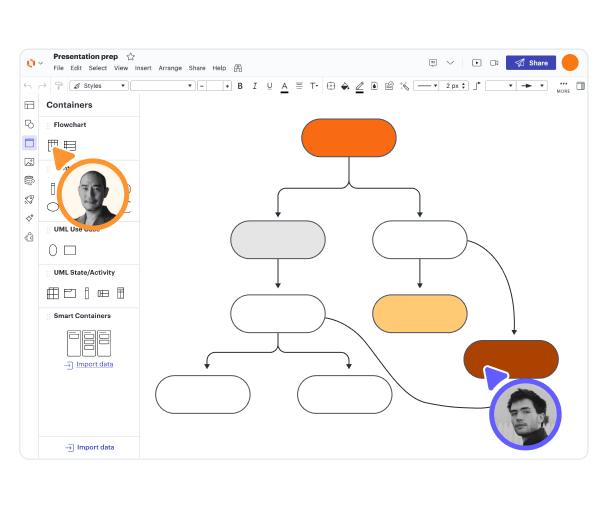
Organize concepts with easy-to-use shapes
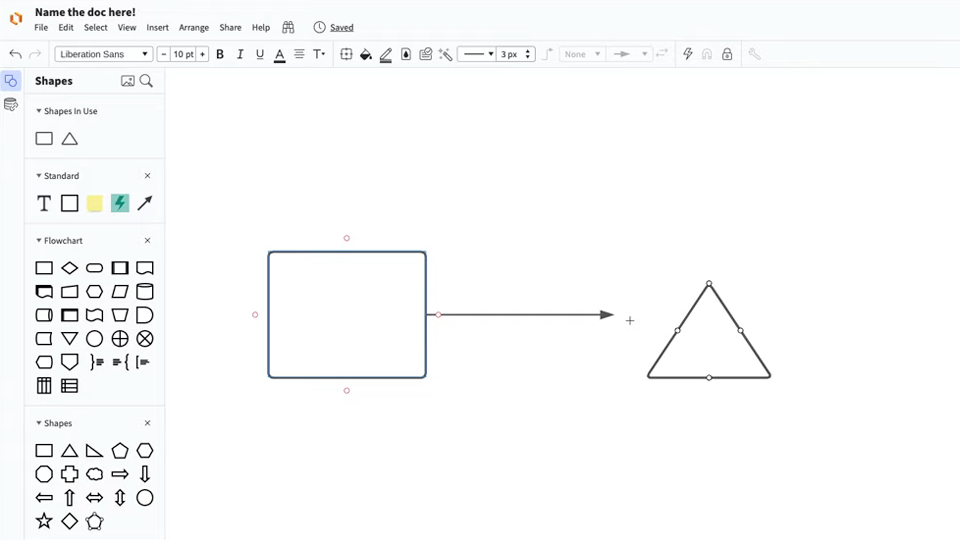
With our drag-and-drop shapes, you can easily organize concepts and the relationships between them. Add your ideas to your concept map and share the map with anyone in real time.

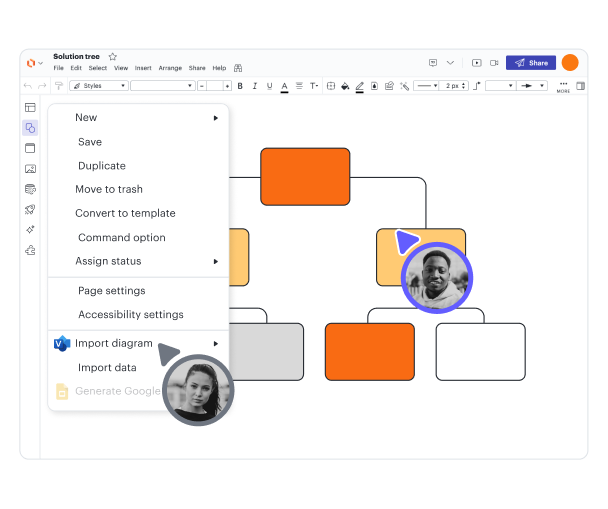
Import and export ideas

Import existing concept maps or ideas from Visio, Gliffy, OmniGraffle, Draw.io, or simply from a TXT file to create a quick concept map. To export your concept map, download it as a PDF, JPEG, or PNG or export directly to Google Drive.

Share and present concept maps online
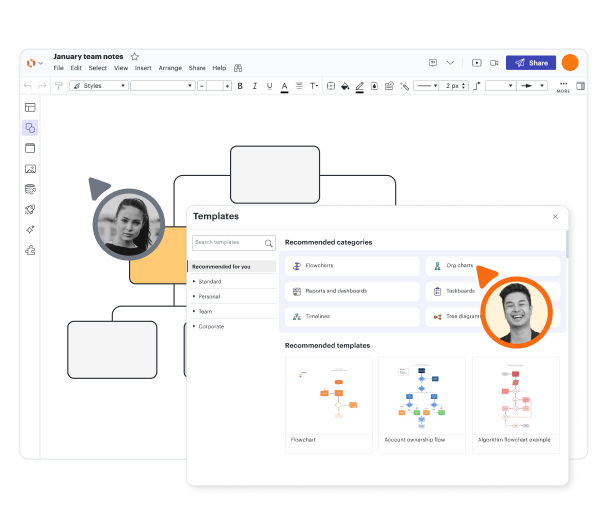
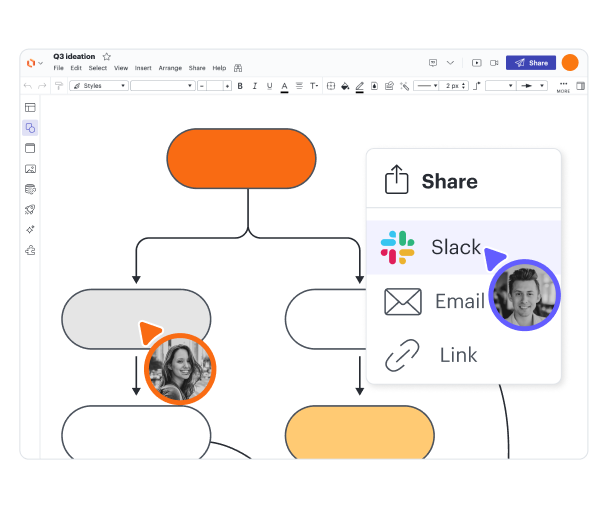
To share your concept map with your team members, classmates, or students, just give them the URL. You can also present it directly from our concept map creator with Presentation Mode or integrate your concept map with Google Slides or Slack.

Collaborate in real time from anywhere
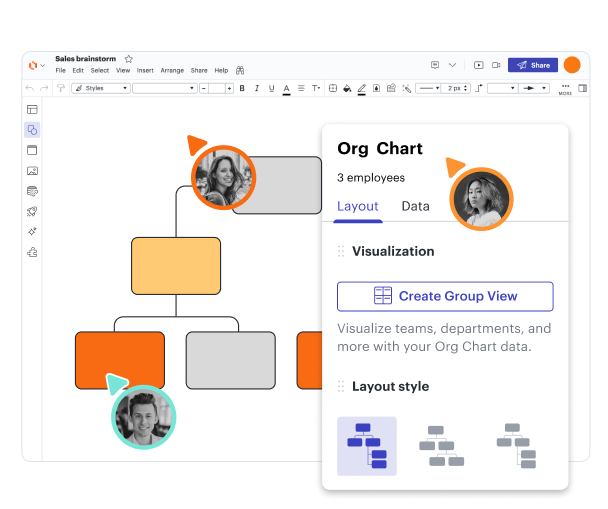
Our concept map generator is cloud-based, so you can collaborate on your concept map with anyone—no matter where they are or what device, browser, or operating system they use.

Customize concept map templates

Lucidchart has more than 1,000 custom-made diagramming templates available for you to use. While you can always start with a blank page, you can also draw inspiration from what others have done.

Connect to tools you already use

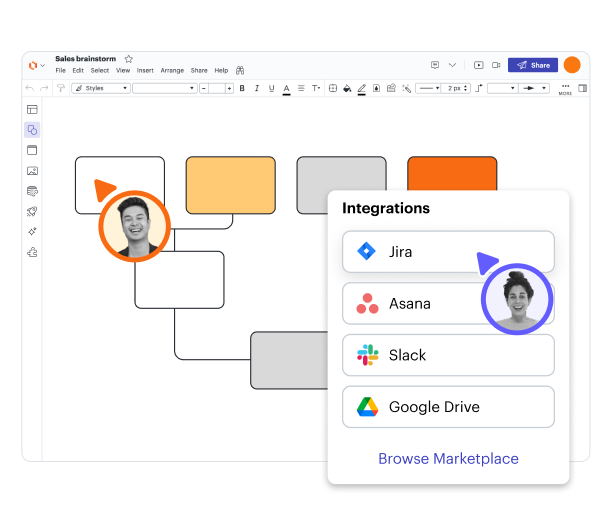
Lucidchart integrates with Google Workspace, so you can import your concept map to Google Docs or Slides as needed. You can also use Google Drive to store your Lucidchart files, and any changes you make in Lucidchart will automatically update in Google Drive.

G2 badge for best software in 2022

See why users love Lucidchart

Lucidchart has thousands of five-star reviews on TrustRadius, Capterra, and G2. Try our concept map software to see why.

Learn to use Lucidchart in 3 minutes

Master the basics of Lucidchart in 3 minutes

master the basics of Lucidchart in 5 minutes

  • Create your first concept map, whether you import it, start from a template, or begin with a blank canvas.
  • Add shapes and connecting lines to your concept map, and add text to describe what you’re thinking.
  • Change the styling and formatting to make your concept map visually appealing.
  • Use Feature Find to locate any feature or tool within your diagram.
  • Share your concept map with your team to start collaborating.
Make a concept map

Concept map templates

Start working on a concept map right away with one of our templates.

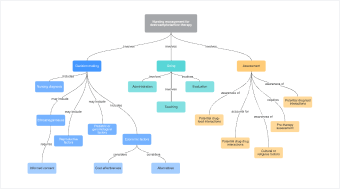
Template of a basic concept map

Free concept map template

Go to Free concept map template template

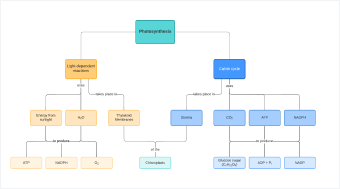
Template of photosynthesis concept map

Photosynthesis Concept Map Template

Go to Photosynthesis Concept Map Template template

Lucidchart integrations

Connect Lucidchart to all your favorite industry-leading apps.
Lucidchart Integrations

See why teams use Lucidchart

Diagram, visualize data, and collaborate all in one platform.
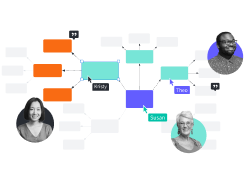
Collaborating with team members in Lucidchart

Collaboration

Use our concept map maker on any device with ease. Lucidchart helps teams collaborate in real time from anywhere in the world. Enhance productivity while working with your team to achieve your goals.

a simple orange flow chart

Clarity

Lucidchart brings clarity to the complex. Intelligent diagramming allows you to quickly visualize projects and processes from start to finish.

real-time collaboration on a flow chart

Alignment

Drive alignment with your team by collaborating in the same space. Quickly map out processes and ideas together in real time so that you never miss a beat.

person on laptop making sticky notes and charts

Better together

The Lucid Visual Collaboration Suite transforms the way you work from ideation to project completion. Brainstorm and plan in Lucidspark, then map it out in Lucidchart. Create a living blueprint of your organization.

What is a concept map?

A concept map helps you visualize the relationship between concepts, ideas, events, or notes. These diagrams are commonly used to plan curriculum, create study guides, or outline writing projects. To use a concept map, put your ideas in circles (also called nodes). Unlike a mind map that starts in the center and works outwards, a concept map generally works top to bottom in a hierarchy. Connect your circles with lines or arrows (also called arcs) and label the lines to show how the ideas relate to each other.

How to make a concept map

  1. Start with a topic

    Begin with the core topic you want to explore. Drag a shape onto the canvas to contain it. The hierarchy of your concept map will start from here.

  2. Identify key concepts

    Make a list of all the key ideas that relate to your core topic. This list is called the parking lot. Order them from most general first to most specific last.

  3. Connect topics and subtopics

    Move your key concepts from the parking lot to the diagram, drawing connecting lines as you go. Label the lines with text to show how the ideas are related.

  4. Customize and format

    Personalize and organize your diagram by adding colors and images. As you learn more about your core topic, update your diagram.

  5. Present and share your work

    Use Lucidchart’s easy sharing options to present your concept map. You can share the diagram directly within Lucidchart, print it, or download it as a PNG, JPEG, or PDF.

Frequently asked questions about concept maps

Do you have a dedicated shape library for concept maps in Lucidchart?
You can use standard flowchart shapes to build your concept map or repurpose our mind map shape library. Simply search for mind maps in the Shape Manager.
Can I get a free Lucidchart premium account if I'm a student or teacher?
Yes. Lucid offers free educational upgrades to students and educators! The free upgrade gives you access to the features described here, including unlimited objects and three editable documents.
  • Learn more
When should I use a concept map instead of a mind map?
Mind maps are better for brainstorming ideas or information visually. Use a concept map when you're diagramming relationships between and among concepts. Concept maps make it faster to understand and recall those relationships. For students, concept maps can be an efficient way of note-taking as well, sometimes referred to as conceptual note-taking.
Do you have any examples of concept maps?
Yes! Read through our post on Concept Map Examples and Templates.
  • Learn more
How do I draw an arrow instead of a line to connect two ideas?
You'll need to change the default setting for endpoints. First, select the line you're changing. Next, click on one of the “Endpoint” boxes in your Properties bar to see available arrow options. Then, you can choose the style of your choice. To change the style of all the lines of your document, select everything on the canvas (Ctrl+A or Command+A) and choose one of the options in the Properties bar.
How do I add text to the lines connecting my shapes in a concept map?
Double-click on the line to create a text box, then start typing.
Watch our how-to video for creating a concept map in Lucidchart
If you want to see Lucidchart in action, watch our creating a concept map video to get a look at our software and the features, shapes, and templates you can use when mapping a concept.

Get started

  • Pricing
  • Individual
  • Team
  • Enterprise
  • Contact sales

Product

  • Lucidchart overview
  • Integrations
  • Security
PrivacyLegalCookie privacy choicesCookie policyYour privacy choices iconYour privacy choices
  • LinkedIn
  • Twitter
  • Instagram
  • Facebook
  • YouTube
  • Glassdoor
  • TikTok

© 2026 Lucid Software Inc.