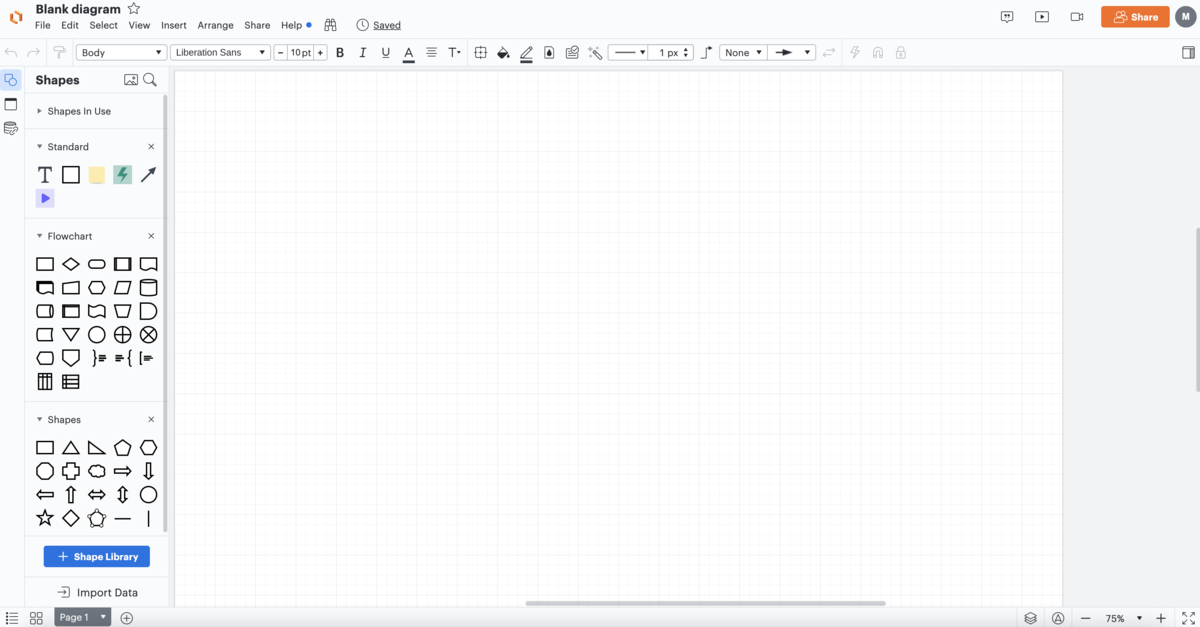
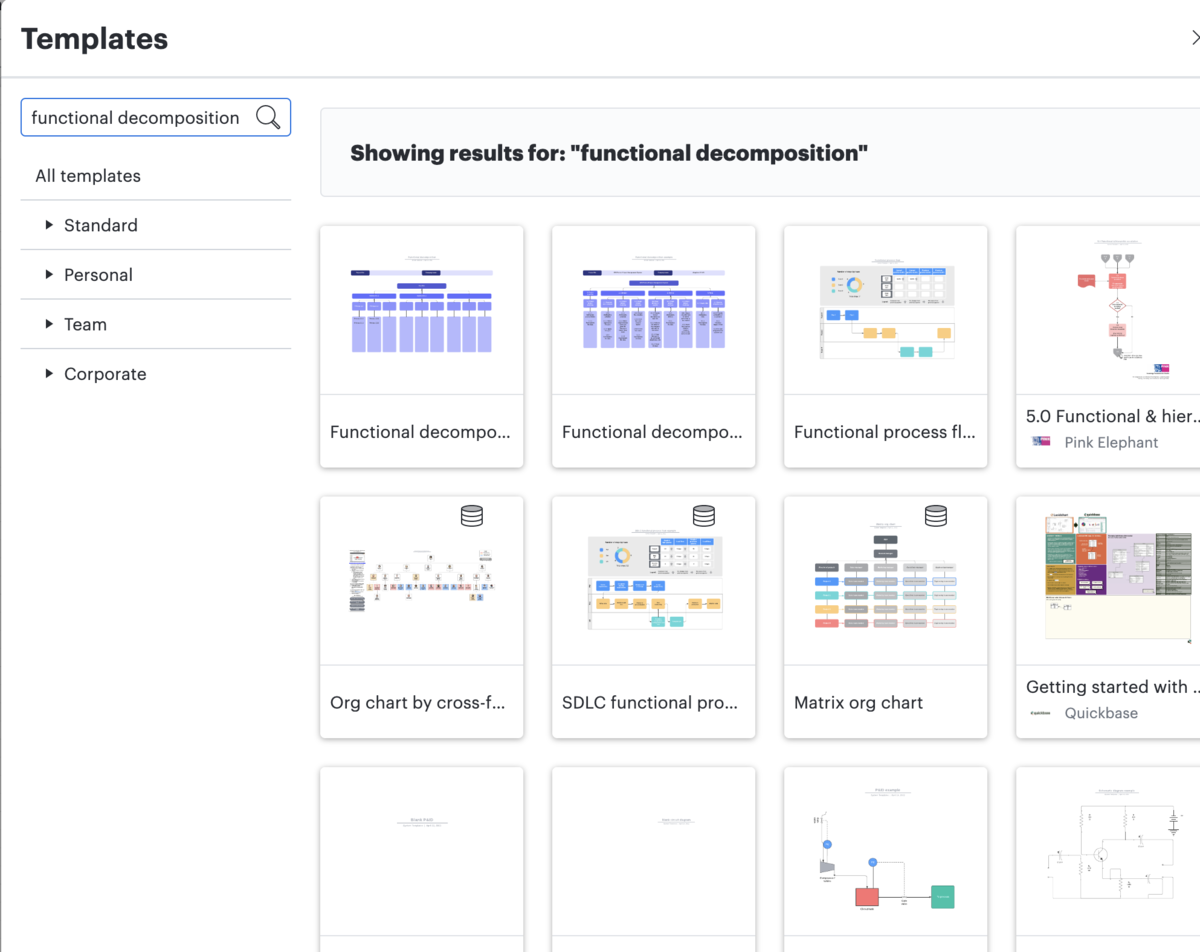
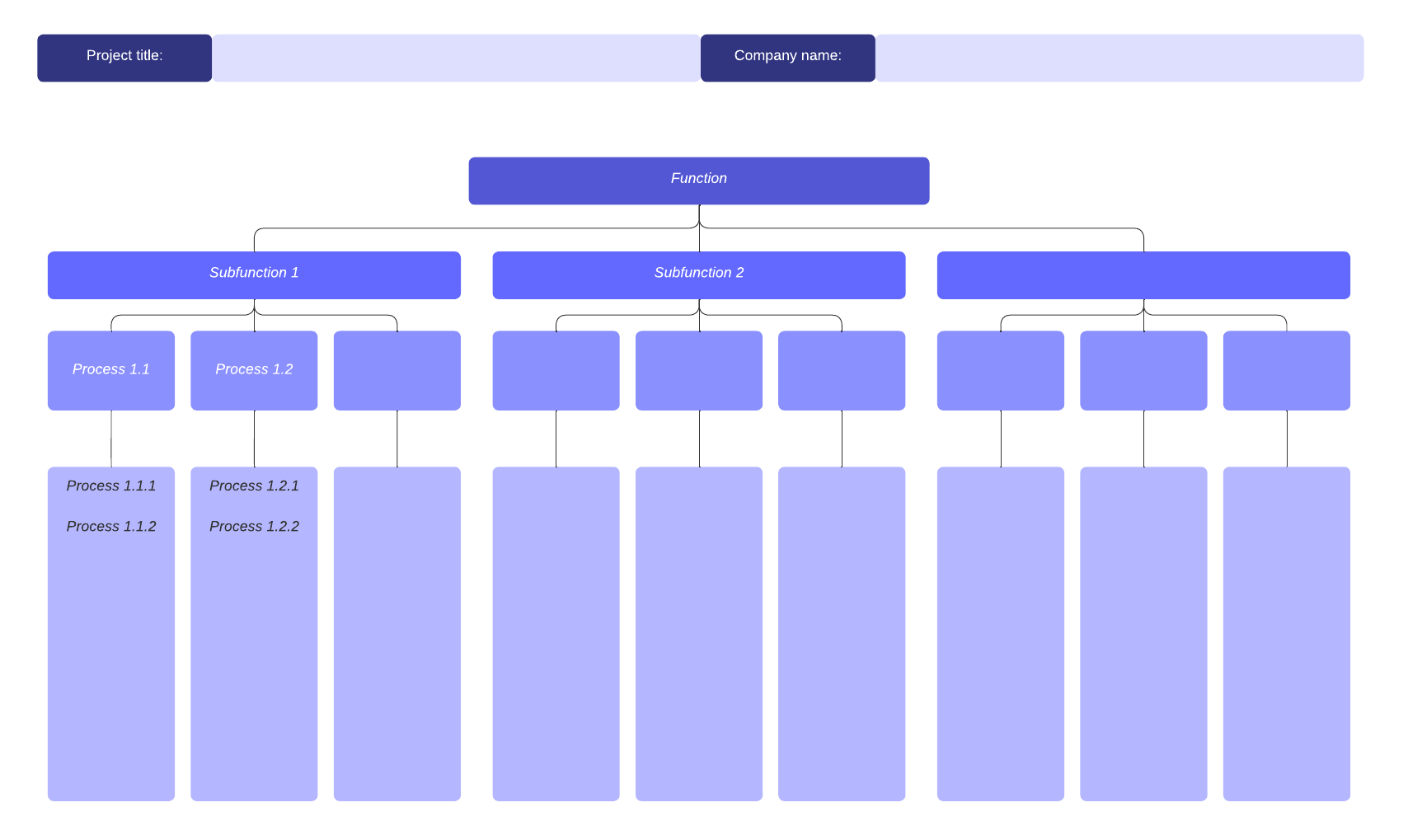
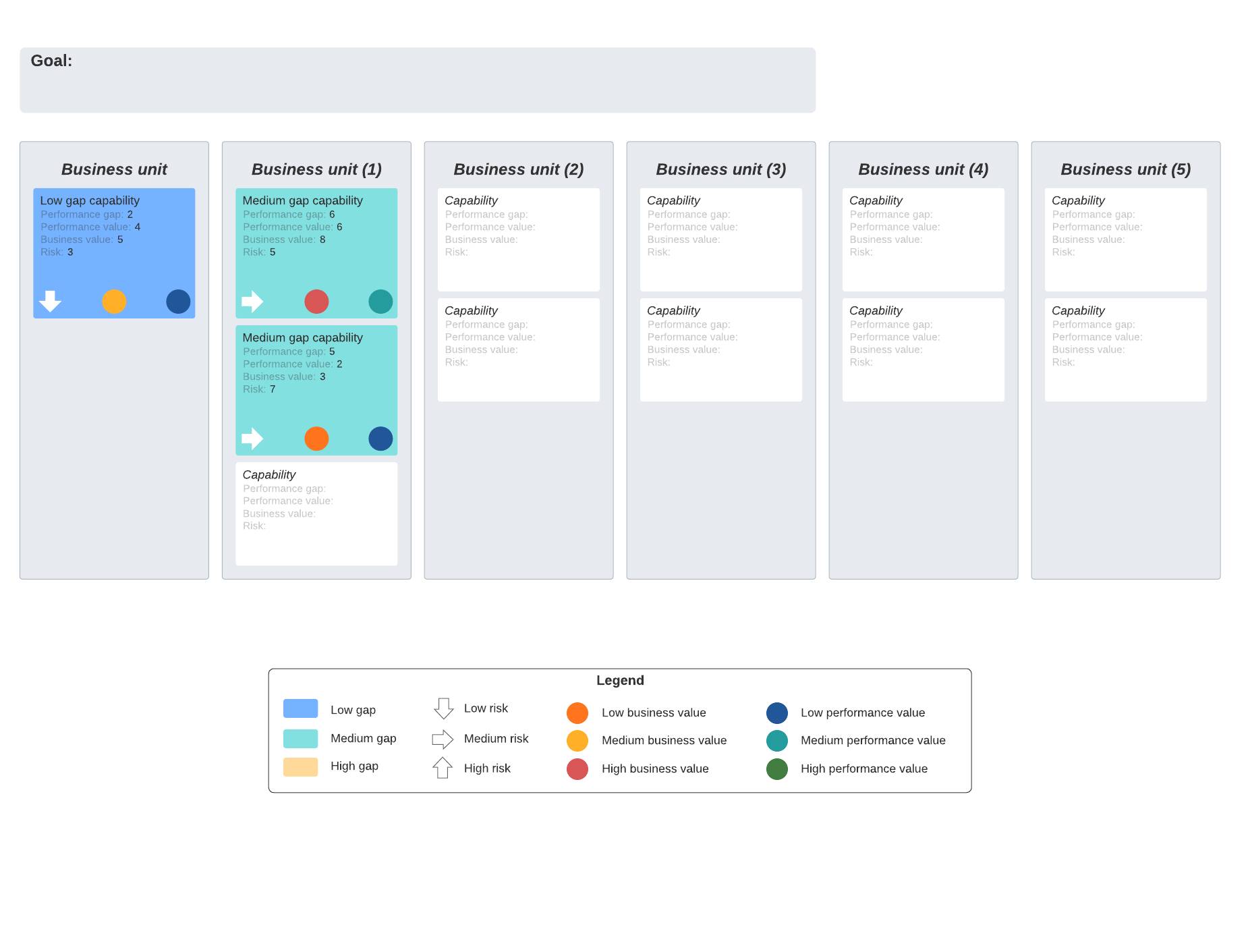
You’ll need to work with various teams and managers to define all of your company’s capabilities. Lucidchart makes it easy to share documents so all contributors can collaborate simultaneously.
Step 4: Map business applications
Mapping business applications is important because it gives you an overview of what you already have to help people throughout your organization manage specific business functions. For example, sales and marketing might have CRM tools and finance might have a set of accounting and payroll business applications. Mapping this out will give you a better idea of what you need going forward.
To do this in your Lucidchart document, you can add a new blank page or insert a generic template into your current document to describe your business applications. Or, you can identify applications by department by adding them to the business functions map or the business capability map you’ve already created.
Step 5: Map your tech stack
Mapping your tech stack is similar to mapping your business applications. The difference is that a tech stack is a list of not just software, but also frameworks, platforms, programming languages, architectures, and so on. The list represents all the technologies that a team needs to develop all the parts they are responsible for in the overall project. For example, the finance team might have a technology stack that includes a payroll app, employee time tracking software, accounting tools, project management software, and so on.
Like the business applications map, you can map a tech stack on a blank page or a find a template that fits your formatting preferences. Or, you can identify specific tech stacks that are used in each department by documenting them on the maps you’ve already created.
Step 6: Map your cloud architecture
A cloud architecture diagram describes how different technologies integrate with each other to share scalable resources across a network. It is a critical piece of documentation that gives you a visual overview of your cloud environment. This helps you understand all of the components, capabilities, and relationships that need to work together to run your applications in the cloud. And it helps you to validate that your designs have been implemented correctly.
Cloud architectures can be complex, and so can manually creating and maintaining a cloud architecture map. Fortunately, you can use Lucidscale—a cloud visualization solution that works with your AWS, Azure, and Google Cloud architectures—to automatically map your cloud environment.
How to create and maintain cloud architecture documentation using Lucidscale
- Import your cloud architecture to the Data Hub.
Select Import Data from the left panel and pull in the metadata from your cloud provider (AWS, Azure, or Google Cloud).
- Create a new model in Lucidscale from the imported data.
From the Model Options menu, select New > Lucidscale. Then select your cloud provider to create a model from your imported data.
- Manage your views.
Use existing views or create your own custom view so you can focus on specific parts of the architecture. Options include:
- Using multiple views and filters to focus on specific resource groups.
- Toggling lines on and off to verify specific resources are connected correctly.
- Adding conditional formatting rules to help organize and sort information.
After you have created the model, you’ll have a visual representation of your cloud’s current state.
4. Use the Data Hub to keep the model up to date.
From the left pane, select Data Hub. Select your cloud provider and log in with your credentials. This updates the model and keeps the information current.
Why Lucidchart?
Lucidchart is part of the Lucid Visual Collaboration Suite, so it becomes even more powerful when used with Lucidscale and Lucidspark. You can map your current state in Lucidchart, ideate on improvements in Lucidspark, and auto-generate your cloud architecture in Lucidscale. The Lucid Visual Collaboration Suite is cloud-based, so you can easily collaborate in real time with your team.
Whether you use just Lucidchart, or all three solutions, the Lucid Visual Collaboration Suite can be used as a single source of truth for your current state.
Additionally, Lucidchart features a robust Shape Library and offers more than 1,000 templates, so you can customize your current state maps to fit your team or organization’s needs.